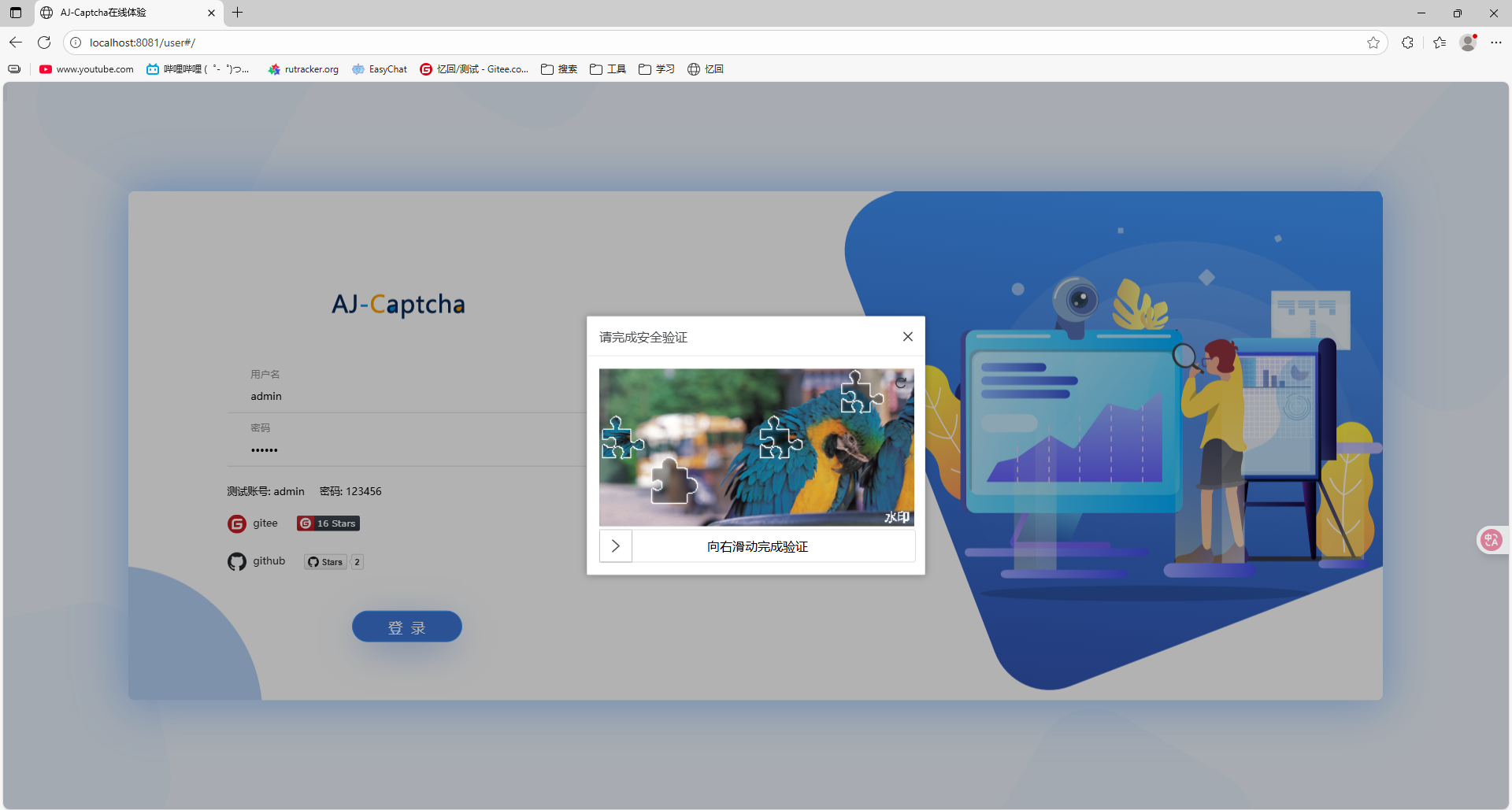
Aj-Captcha图形验证码
一、项目简介
aj-captcha 是一款开源的 Java 图形验证码组件,支持:
- 滑块拼图验证码
- 文字点选验证码
- 自定义背景、模板、缓存方式(Redis、Local 等)
Spring Boot 3 集成后,可以非常方便地提供验证码 API 给前端(如 Vue、React、uniapp 等)调用。
二、引入 Maven 依赖
<!--AJ-Captcha 行为验证码功能-->
        <dependency>
            <groupId>com.anji-plus</groupId>
            <artifactId>captcha-spring-boot-starter</artifactId>
            <version>1.4.0</version>
        </dependency>
        <dependency>
            <groupId>javax.annotation</groupId>
            <artifactId>javax.annotation-api</artifactId>
            <version>1.3.2</version>
        </dependency>
💡 注意:Spring Boot 3 开始默认使用 Jakarta 包命名空间,aj-captcha 1.4.0 之前的版本与 Spring Boot 3 不完全兼容。
三、基础配置(application.yml)
修改application.yml内容,与spring同级:
aj:
    captcha:
        type: blockPuzzle       # 验证码类型: blockPuzzle(滑块) 或 clickWord(文字点选)
        cache-type: local       # 缓存类型: local/redis
        expire-seconds: 120     # 验证码有效时间(秒)
        water-mark: '水印'   # 可选
        interference-options: '2'  # 干扰项
        font-type: '宋体'          # 字体(可选)
#        puzzle-base-dir: classpath:images/puzzle/
spring: ...
四、后端接口编写
生成验证码接口
package com.example.mybatis.controller;

import com.anji.captcha.model.common.ResponseModel;
import com.anji.captcha.model.vo.CaptchaVO;
import com.anji.captcha.service.CaptchaService;
import jakarta.servlet.http.HttpServletRequest;
import org.springframework.beans.factory.annotation.Autowired;
import org.springframework.web.bind.annotation.*;

@RestController
@RequestMapping("/captcha")
public class CaptchaController {

    @Autowired
    private CaptchaService captchaService;

    @PostMapping("/get")
    public ResponseModel get(@RequestBody CaptchaVO data, HttpServletRequest request) {
        data.setBrowserInfo(request.getRemoteAddr() + request.getHeader("user-agent"));
        return captchaService.get(data);
    }

    @PostMapping("/check")
    public ResponseModel check(@RequestBody CaptchaVO data, HttpServletRequest request) {
        data.setBrowserInfo(request.getRemoteAddr() + request.getHeader("user-agent"));
        return captchaService.check(data);
    }
}
五、修改启动项
添加@ComponentScan(basePackages = {"com.example.mybatis", "com.anji.captcha"})自动配置
package com.example.mybatis;

import org.springframework.boot.SpringApplication;
import org.springframework.boot.autoconfigure.SpringBootApplication;
import org.springframework.context.annotation.ComponentScan;

@SpringBootApplication

@ComponentScan(basePackages = {"com.example.mybatis", "com.anji.captcha"})
public class MybatisApplication {

    public static void main(String[] args) {
        SpringApplication.run(MybatisApplication.class, args);
    }

}
六、前端调用示例
前端使用官方示例中的前端代码测试
https://gitee.com/anji-plus/captcha.git
先将前端api改为本地启动端口
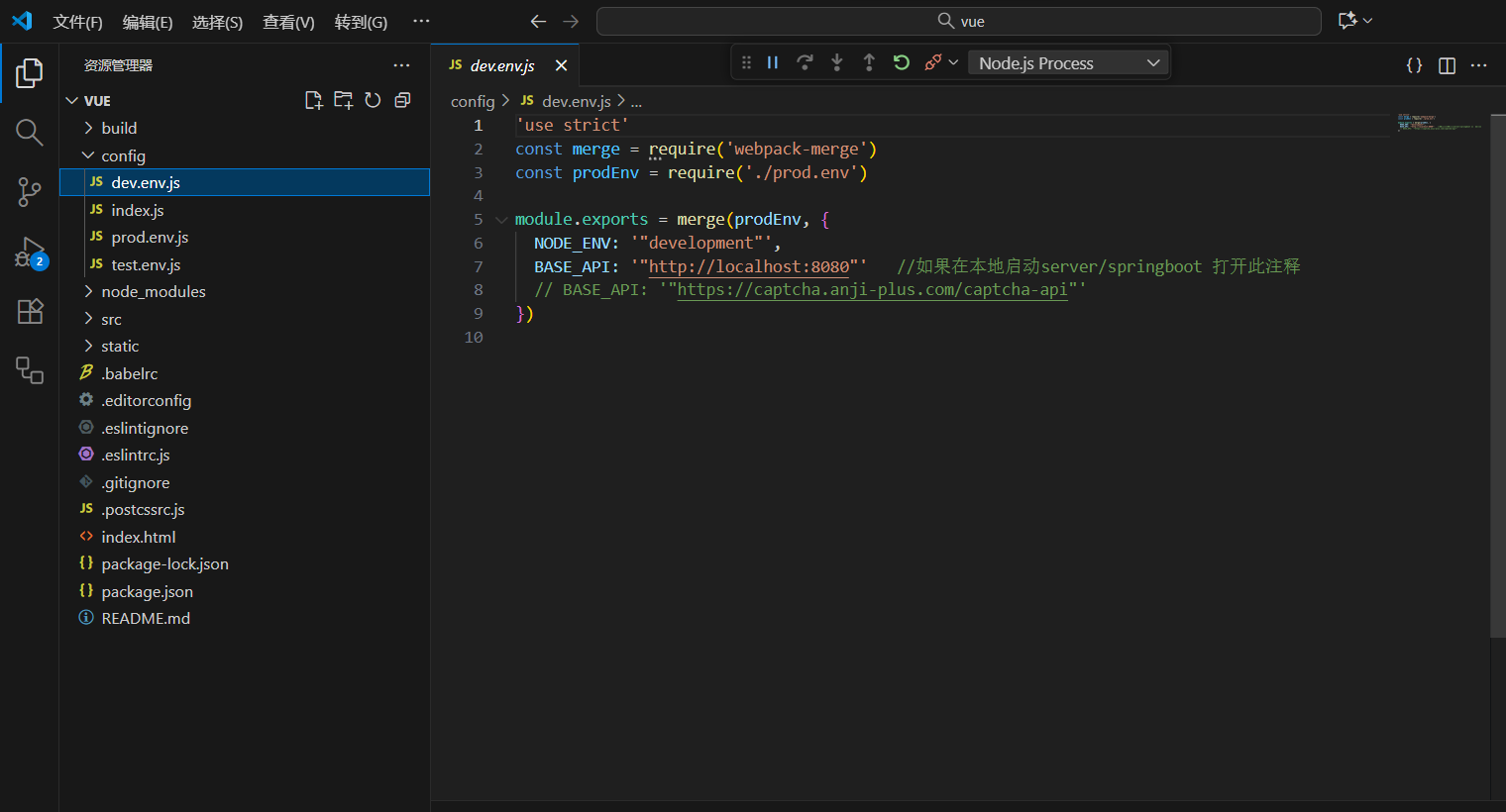
本地启动
启动后端,运行service/springboot的StartApplication。 启动前端,使用visual code打开文件夹view/vue,npm install后npm run dev,浏览器登录
npm install
npm run dev

DONE  Compiled successfully in 29587ms                       12:06:38
I  Your application is running here: http://localhost:8081
七、测试流程
- 启动后端,运行service/springboot的StartApplication
- 启动前端,使用visual code打开文件夹view/vue,npm install后npm run dev
- 访问接口:http://localhost:8081
- 点击登录测试滑块验证码
- 拖动验证后,提交校验接口,提示验证成功并进入主页即测试成功